How to Make a Whiteboard Animation


A whiteboard animation is a narrated video where a hand draws each idea while the voice explains it. Making one comes down to four jobs: writing the script, drawing a picture for each sentence, recording the narration, and timing every drawing to the voice. You can do all four yourself, or hand the drawing, voice and timing to a tool like ShortsCrafter and keep the script and the choices. This guide covers both routes step by step, with the numbers you need either way (words per minute, drawings per script, sizes for each platform), so you can pick the one that fits your time and the video you have in mind.
Create a whiteboard video in minutes
Turn any idea into a hand-drawn whiteboard animation with script, voiceover and drawing done for you.
Key takeaways
- The script comes first. Narration runs at about 150 words a minute, so a 2-minute video needs roughly 300 words.
- By hand, each sentence usually gets its own drawing, and each drawing has to finish on the word it shows. Drawing and syncing take most of the time.
- ShortsCrafter turns each sentence into a scene, draws it with an animated hand, voices it and times the two together. You pick the style, voice, music and format.
- Vertical videos for TikTok, Shorts and Reels run 30 to 90 seconds. Horizontal YouTube videos can run from 1 to 10 minutes.
- Go manual when you need your own handwriting or a brand’s exact illustrations. Use ShortsCrafter when you publish often or want to test topics cheaply.
- Either way, keep one idea per scene. A sentence you can’t draw leaves the viewer staring at a still board.
The two flows side by side
The two flows side by side
The regular way
You control every line, and you pay for it in time at each step.
- Write the script and read it aloud with a timer. Most narrators speak at about 150 words a minute, so 300 words is two minutes. Cut any sentence you can’t picture as a drawing.
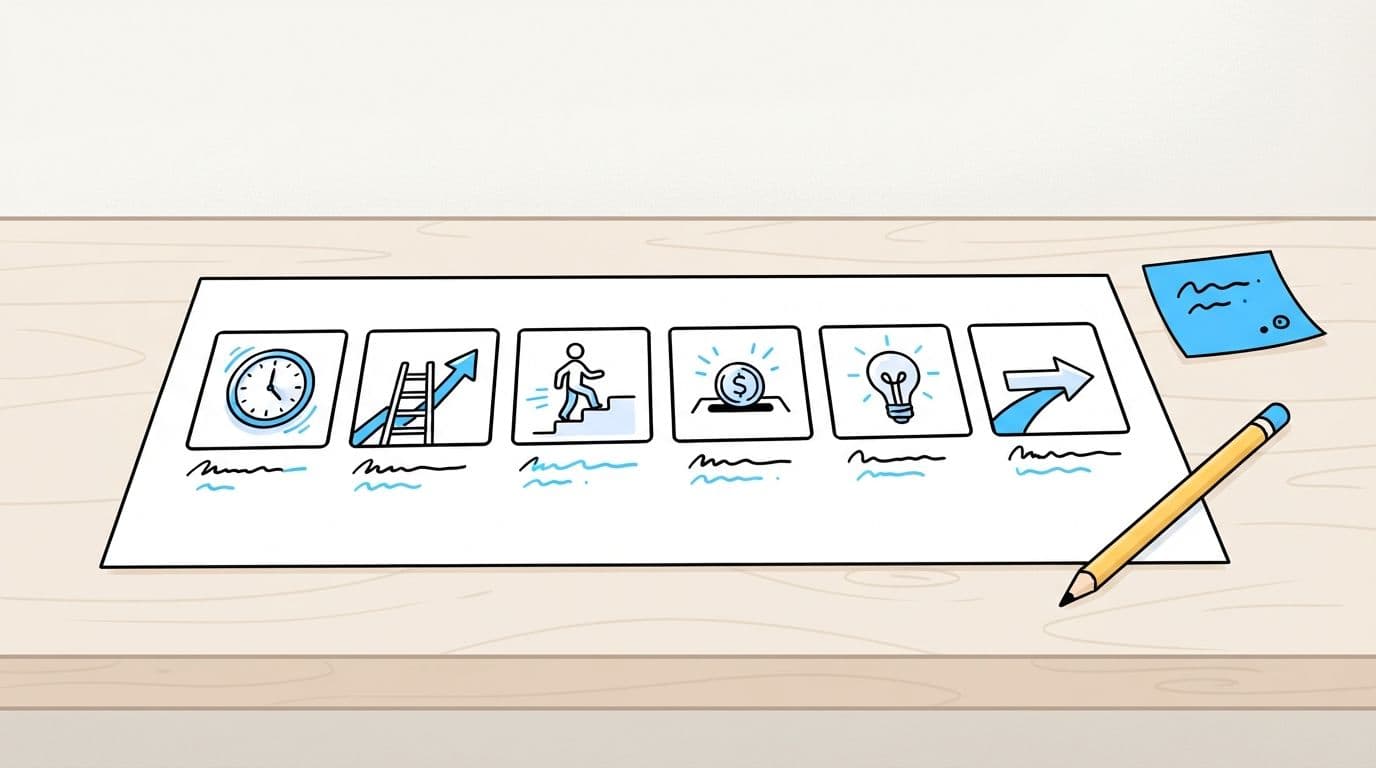
- Split the script into scenes, usually one sentence each, and sketch a thumbnail for every scene: a clock for time, a ladder for progress, a stick figure for the viewer. At 15 words a sentence, a 300-word script is 20 scenes. That’s 20 drawings.
- Draw the scenes. One option is a real whiteboard (or paper) filmed from above on a tripod, with the footage sped up later. The other is whiteboard software such as VideoScribe or Doodly: you place images and it animates a hand drawing them. Filming gives you your own handwriting and lines that look human. Software is much easier to fix later.
- Record the voiceover. You need a quiet room, a decent USB mic and a few takes, then an edit to remove breaths and mistakes. A voice actor saves you that work and adds a fee and a wait for every revision.
- Sync the drawings to the voice, which is the step people underestimate. A drawing should finish as the narrator says the word it shows. If the hand is still drawing a coin while the voice has moved on to the clock, viewers lose the thread. Expect to nudge every scene on the timeline.
- Add music. Pick royalty-free music and keep it well below the voice. A small pop or swoosh on scene changes helps if it suits the tone.
- Export. Use 1920×1080 for YouTube and 1080×1920 for TikTok, Shorts and Reels. Want both? Plan on reworking the layout, since a horizontal board doesn’t crop cleanly to vertical.
Drawing and syncing are where the time goes, and changes are expensive. Rewrite one sentence after the fact and you redraw that scene, re-record the line, and shift everything after it.
The ShortsCrafter way
ShortsCrafter handles the storyboard, the drawing, the voiceover and the sync. You make the decisions. You can see finished examples in the whiteboard video gallery.
- Start with an idea or a script. Pick a niche and ShortsCrafter chooses a topic that draws well (simple “why” and “how” questions, such as why saving money feels so hard). You can also type a rough idea and get a title back, or paste a script you already wrote. A pasted script needs at least 300 characters.
- Choose the look and sound. Start with vertical (9:16) or horizontal (16:9), then the length. Vertical videos come in 30 to 60 or 60 to 90 seconds. Horizontal ones go from 1 to 2 minutes up to 8 to 10 minutes. Then the art style (minimalistic, regular, colored or stick figure), a voice from the library or your cloned voice, background music, and the style of the drawing hand.
- Generate the video. This takes 2 to 4 minutes on average. If you didn’t bring a script, ShortsCrafter writes one. Then it splits the script into one scene per sentence, draws each scene, records the narration, and times every drawing to its sentence.
- Review the scenes. In the preview you can jump to any scene, redraw its picture, add or delete scenes, regenerate the voiceover, and change the drawing hand. When it looks right, render the video.
- Publish. Download the file, or connect your TikTok and YouTube accounts and pick the date and time your videos go live.
When ShortsCrafter writes the script, it sizes it to the duration you picked. A 30 to 60 second vertical video gets about 110 to 130 words; a 1 to 2 minute horizontal one gets 250 to 350. You don’t have to do the math yourself.
Which one to pick
Do it by hand if the drawing is the point. That covers artists building a style people recognize, brands that need their exact characters in every frame, and one-off launch videos where you’ll spend a week on polish anyway.
Use ShortsCrafter for everything that ships on a schedule: a faceless YouTube or TikTok channel, lessons turned into videos, onboarding guides, product explainers you’ll update next quarter. Fixing one scene takes a click instead of a redraw. It’s also the cheaper way to find out which topics people watch before you put a week into one.
You can mix them, too. Generate the video, then redraw the two or three scenes that matter most.
Mistakes that ruin whiteboard videos either way
- Packing two ideas into one sentence. The drawing can only show one, so split it.
- Drawing too much detail. A whiteboard drawing should read in about a second. Shading and backgrounds slow the hand down and pull the eye away from the point.
- Writing the narration on the board. Put a number or a single keyword on the board, never the whole line.
- Music that’s too loud. If you notice it over the voice, turn it down.
- Picking the format last. A horizontal video posted to Shorts shows up as a small strip in the middle of the screen. Pick the format before you draw anything.
- Starting slow. Show the problem in the first sentence. Viewers decide in the first few seconds whether to keep watching.
FAQ
How long should a whiteboard animation be?
For TikTok, Shorts and Reels, 30 to 90 seconds. For YouTube, as long as the idea needs. One idea rarely needs more than 3 or 4 minutes, even though ShortsCrafter goes up to 10.
How many words do I need?
About 150 per minute of video. A 1-minute short is around 150 words, a 3-minute explainer around 450.
Can I use my own voice?
By hand, record it. In ShortsCrafter, clone your voice once and use it on every video, so your channel keeps the same narrator.
Can I use a script I already wrote?
Yes. Paste it in. It needs at least 300 characters, and the maximum grows with length (2,400 characters for a 1 to 2 minute horizontal video).
What does it cost?
By hand, it’s whiteboard software or a camera and board, a microphone, and your time, or a freelancer’s fee. ShortsCrafter is a monthly or yearly subscription that comes with credits, and each video you make uses some of them. The pricing table lists each plan and how many credits it includes.