Whiteboard Animation for Training: Where It Works and How to Make It


Whiteboard animation for training works best on the material people skip in a PDF: policies, processes with handoffs, and the reason a safety rule exists. A hand draws each step while a narrator explains it, so the learner follows one idea at a time instead of scanning a page. This guide covers which training topics suit the format and which don’t, how long each module should run, a sample script you can adapt, what the research on drawn lessons actually found, and how to turn an SOP into a finished video with ShortsCrafter.
Create a whiteboard video in minutes
Turn any idea into a hand-drawn whiteboard animation with script, voiceover and drawing done for you.
Key takeaways
- Use whiteboard video for policies, processes and the “why” behind rules. Software clicks belong in a screen recording, and hands-on physical skills should be filmed.
- Keep each module under 6 minutes. In an edX study of 6.9 million viewing sessions, median watch time topped out around 6 minutes no matter how long the video was.
- One video should teach one task. A ten-step onboarding process becomes three or four short modules.
- Lab studies found that watching a hand draw a diagram beat looking at the finished one, though the effect was small. A 2025 experiment found people learned more from a whiteboard lesson than from a narrated slideshow, and the retention advantage held a week later. Both tested academic subjects, not workplace training.
- Put a question right after the video. Asking people to use what they saw tells you more than a completion checkmark.
- When a policy changes, rewrite the one scene that changed. An AI tool regenerates that scene’s narration, so nobody books a studio to re-record the module.
Why whiteboard animation works for training
Most training content is invisible. An expense policy, a data-handling rule and an escalation path all look the same on camera: a person talking or a slide full of bullets. A drawing can show the thing itself. A receipt goes into an envelope, the envelope goes to a manager, and an arrow loops back when the receipt is missing. The learner sees the process before anyone names it.
The format also controls attention. Only one thing moves on the screen, the line being drawn, and the narration explains it while it appears. Slides put everything up at once and let the eye wander ahead of the speaker.
It’s cheap to keep current, too. Training goes out of date every time a process changes, and a whiteboard scene is a few simple drawings. Re-shooting a filmed video for one changed step means booking the presenter again. With a drawn video you redraw one scene.
What the research says
Vendor pages in this space quote big retention gains from their own case studies. The independent research is smaller and more careful, and it’s still mostly encouraging.
- Logan Fiorella and Richard Mayer (Journal of Educational Psychology, 2016) showed college students a short narrated lesson on the Doppler effect. Students who watched an instructor’s hand draw the diagrams did better on application questions than students who saw the same diagrams already drawn. When the drawing appeared without a visible hand, that advantage disappeared. Fiorella wrote afterwards that the effects were “relatively subtle” and came from short lab experiments on a single topic.
- Mark Brosnan and Tim Hasso (Smart Learning Environments, 2025) ran an online experiment with 521 people learning introductory accounting. They compared a narrated whiteboard animation with a narrated slideshow, narration alone, text alone and no lesson. The whiteboard group came out ahead, and the retention gap was still there a week later.
- Philip Guo, Juho Kim and Rob Rubin analyzed 6.9 million video sessions on edX (2014). Median engagement was at most 6 minutes, regardless of how long the video ran. Tutorials where an instructor drew on a tablet held students 1.5 to 2 times as long as slides or code screencasts, and 40% of those sessions were followed by an attempt at the next problem, against 31% for other tutorials.
None of these studies tested workplace training. They support two practical rules, keep the hand visible and keep the video short, and they don’t promise that a drawn video fixes a training program nobody finishes.
Which training topics suit whiteboard animation
The test is simple: if you’d explain it by sketching on a whiteboard in a meeting room, it’ll work as a whiteboard video. If you’d pull up the software or walk over to the machine, use another format.
Which training topics suit whiteboard animation
Mixing works well. A safety module can open with a 90-second drawing of why lockout matters, then cut to a filmed demo of the procedure on the actual equipment.
When to skip it
Skip whiteboard when the learner has to recognize something by sight: a real screen, a real part, a real rash. A sketch of your CRM won’t help anyone find the right button. Skip it, too, when the message depends on who’s saying it. People want to see the person announcing a reorganization.
How long should a training whiteboard video be?
Short enough to finish in one sitting, and long enough for one complete task. Guo’s 6-minute ceiling is a good upper limit; most modules should land well under it. The word counts below are the script targets ShortsCrafter uses for each length.
How long should a training whiteboard video be?
If your script runs past 900 words, split it. A 12-minute “Information security basics” video becomes four modules (passwords, phishing, devices, reporting) that people can take on different days and find again when they need one.
Horizontal (16:9) suits an LMS on a laptop. Make the vertical version only for refreshers you push to phones.
How to plan a whiteboard training module
- Start from the task. Write down the one thing the employee should be able to do after watching. “Report a suspicious email in under a minute” is a module. “Understand cybersecurity” isn’t.
- Cut the SOP down. Policy documents are written to be complete; the video only needs the steps a person actually performs and the one or two mistakes that cause real problems. Link the full document under the video.
- Open with the situation the learner will face: “A customer asks for a refund after 30 days.” Skip the welcome slide and the learning objectives read aloud.
- Give each scene one or two sentences of narration and one drawing. If a sentence needs two drawings, it’s two scenes.
- Read the script out loud. Anything you stumble over, the narrator will too.
- End on what to do next, then put one question in the LMS right after the video that makes people apply it.
Many vendor guides tell you to build a character and a story arc. For a two-minute procedure that’s overhead. A one-line scenario at the start is enough story; spend the rest of the time on the steps.
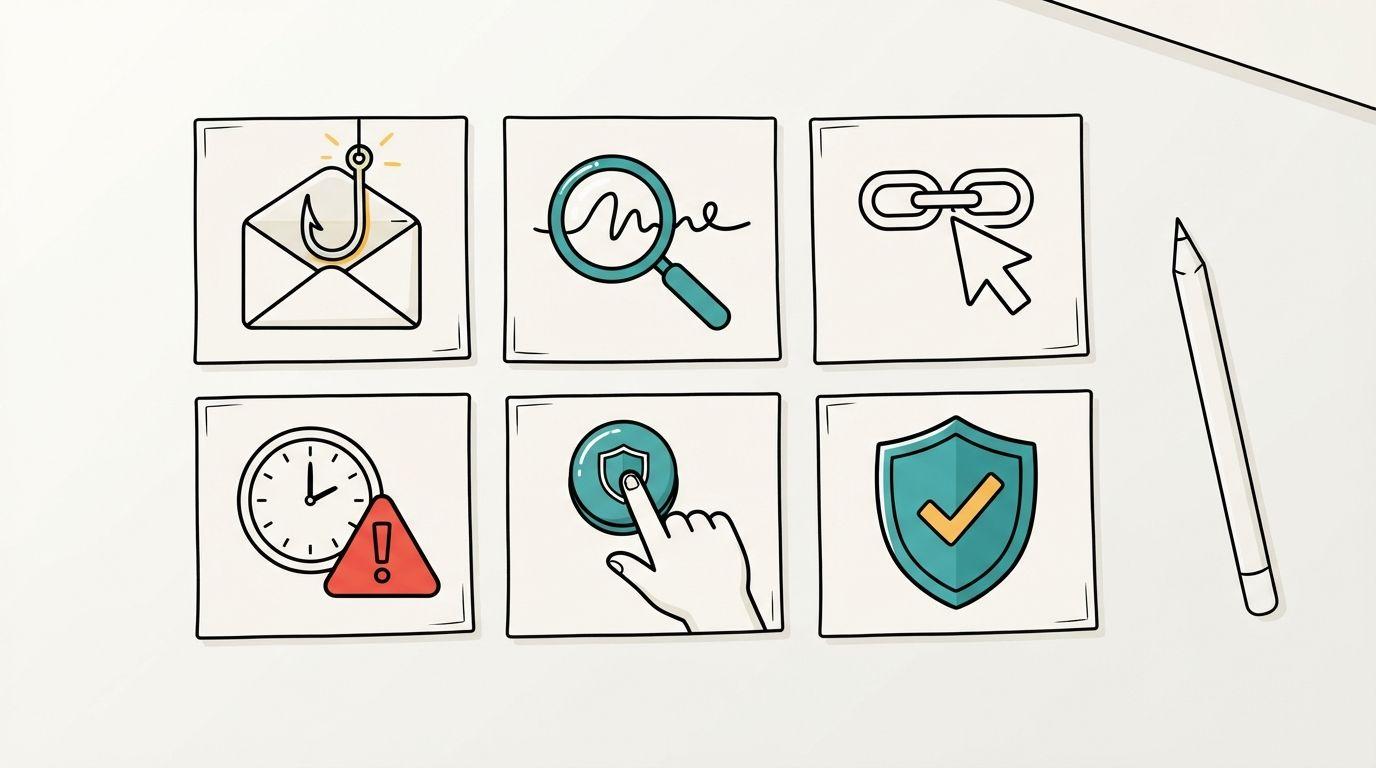
Example: a whiteboard training script
Here’s a module on reporting phishing: about 240 words of narration, a little over a minute and a half on screen. Swap in your own report button and security contact.
Example: a whiteboard training script
Scene 7 is the one most phishing training leaves out, and it’s the one that matters on a bad day. People who think they’ll be blamed for clicking don’t report it.
How to make whiteboard training videos with ShortsCrafter
By hand, a whiteboard module means drawing every scene, recording narration and syncing the two, then doing it again when the policy changes. ShortsCrafter does the drawing, voiceover and timing from your script. Generation takes 2 to 4 minutes on average.
- Paste your script or start from a topic. Use the narration you wrote from the SOP, or describe the module in a sentence or two and edit the script it writes.
- Pick the shape and length. Horizontal videos run from 1 to 2 minutes up to 8 to 10 minutes; vertical ones run 30 to 60 or 60 to 90 seconds.
- Pick the language. Narration comes in English, German, Polish, Spanish, Italian, French, Portuguese, Hindi and Turkish. For a team across several countries, generate one version per language from the same script.
- Choose the look and the voice. There are four styles: minimalistic, regular, colored and stick figure. Stick figures read well for workplace scenes with people in them. For the narrator, pick a library voice or clone the trainer’s voice, so every module sounds like the same person.
- Fix what’s off in the preview. Redraw any scene, add or delete scenes, edit a scene’s narration and regenerate its voiceover, and turn captions on. Captions help anyone watching without sound and anyone hard of hearing.
- Download the MP4 and upload it to your LMS. If your LMS only tracks SCORM packages, import the video into an authoring tool such as Articulate Storyline or Adobe Captivate and add the quiz there.
When the policy changes, open the project, change the affected scene’s line and regenerate that scene’s voiceover. The rest of the module stays as it is.
One limit: the drawings come from your sentences, so ShortsCrafter won’t draw your exact org chart or app screen inside a scene. For those, upload the image to the free whiteboard animation maker. It turns a picture into a 5 to 25 second clip of a hand drawing it, in 16:9, 9:16 or 1:1, and your first one is free. Join it to the module in a video editor.
You can buy a monthly or yearly subscription or a one-time credit pack; the plans table has current prices. For other ways to produce training content, see how to create training videos with AI.
How to measure whether it worked
A completion rate tells you people pressed play. It doesn’t tell you anyone can do the task, so measure the task.
- Ask one question right after the video. Make it a scenario (“A customer asks for a refund on day 35. What do you do?”) instead of a recall question.
- If your video host shows where viewers stop, look for the scene where most people leave. That scene is too long or too slow; cut it or split the module there.
- Check the work itself: expense reports sent back for missing receipts, tickets escalated to the wrong team, phishing tests clicked versus reported. Compare the month before the module with the month after.
- Add one open question at the end of the quiz (“What would you still ask a colleague about?”). The answers tell you what the next module should cover.
FAQ
How long should a whiteboard training video be?
Under 6 minutes, and usually 1 to 4. In Guo, Kim and Rubin’s edX data, median viewing time topped out at about 6 minutes regardless of the video’s length. Cover one task per video and split longer topics into a series.
Is whiteboard animation good for compliance training?
For the concepts, yes: what counts as personal data, why phishing works, what a conflict of interest looks like. Short drawn modules make dry rules easier to follow. For behavior topics where tone and body language matter, such as harassment scenarios, live-action role-play shows more than a drawing can.
Can I put a whiteboard video in my LMS?
Yes. Download the MP4 and upload it as a video lesson. If your LMS needs SCORM to track completion, import the MP4 into an authoring tool like Articulate Storyline or Adobe Captivate, add the quiz, and publish a SCORM package from there.
Can I make whiteboard training videos in other languages?
Yes. Write the script once, then generate a version in each language your team needs. The drawings stay the same, and only the narration changes. ShortsCrafter narrates in nine languages, including Spanish, German, French and Hindi.
Whiteboard animation or screen recording for software training?
Use a screen recording for the clicks, because people need to see the real interface. Whiteboard works for the part before that: why the tool exists, what happens to the data and who picks it up next. A short drawn intro followed by a screen recording covers both.