Best Whiteboard Animation Software


The best whiteboard animation software depends on one question: do you want to build every scene yourself, or get a finished video and fix the parts you don’t like? Editors like VideoScribe and Doodly give you a canvas and a library of drawings; AI generators like ShortsCrafter and Golpo write, draw, voice and time the whole video from an idea. Below are seven tools compared on how a video gets made, what the cheapest paid plan costs, and who each one is for. Prices were checked on each vendor’s pricing page in October 2026.
Create a whiteboard video in minutes
Turn any idea into a hand-drawn whiteboard animation with script, voiceover and drawing done for you.
Key takeaways
- There are two kinds of tool. Editors make you place every drawing and set its timing. Generators make the whole video and let you edit scenes afterwards.
- ShortsCrafter is the pick if you want videos that look good without drawing anything, especially vertical ones for TikTok, Shorts and Reels. Every scene is a fresh illustration made for that sentence, in color if you want it, and voice cloning comes with every plan.
- VideoScribe is the pick for full manual control. Doodly suits marketers who want a desktop app with ready-made characters.
- Golpo is strong at turning documents into longer explainers, but its two cheapest plans are black and white only.
- Powtoon and Animaker have free plans with watermarks, which makes them the cheapest way to try the format.
- Vyond is built for corporate training with characters; whiteboard is one of its styles, and it’s the most expensive tool here.
Whiteboard animation software compared
Whiteboard animation software compared
Editors and generators
Every tool on this list falls into one of two camps, and the camp matters more than the brand.
An editor gives you an empty board, a library of drawings and a timeline. You pick an image for each line of the script, drop it on the board, and drag it along the timeline until the hand finishes drawing it as the narrator says the word. VideoScribe, Doodly, Powtoon, Vyond and Animaker work this way. You get exact control, and you pay for it in hours: a 2-minute script runs about 300 words, or roughly 20 scenes, and each one is placed and timed by hand. The second video takes as long as the first.
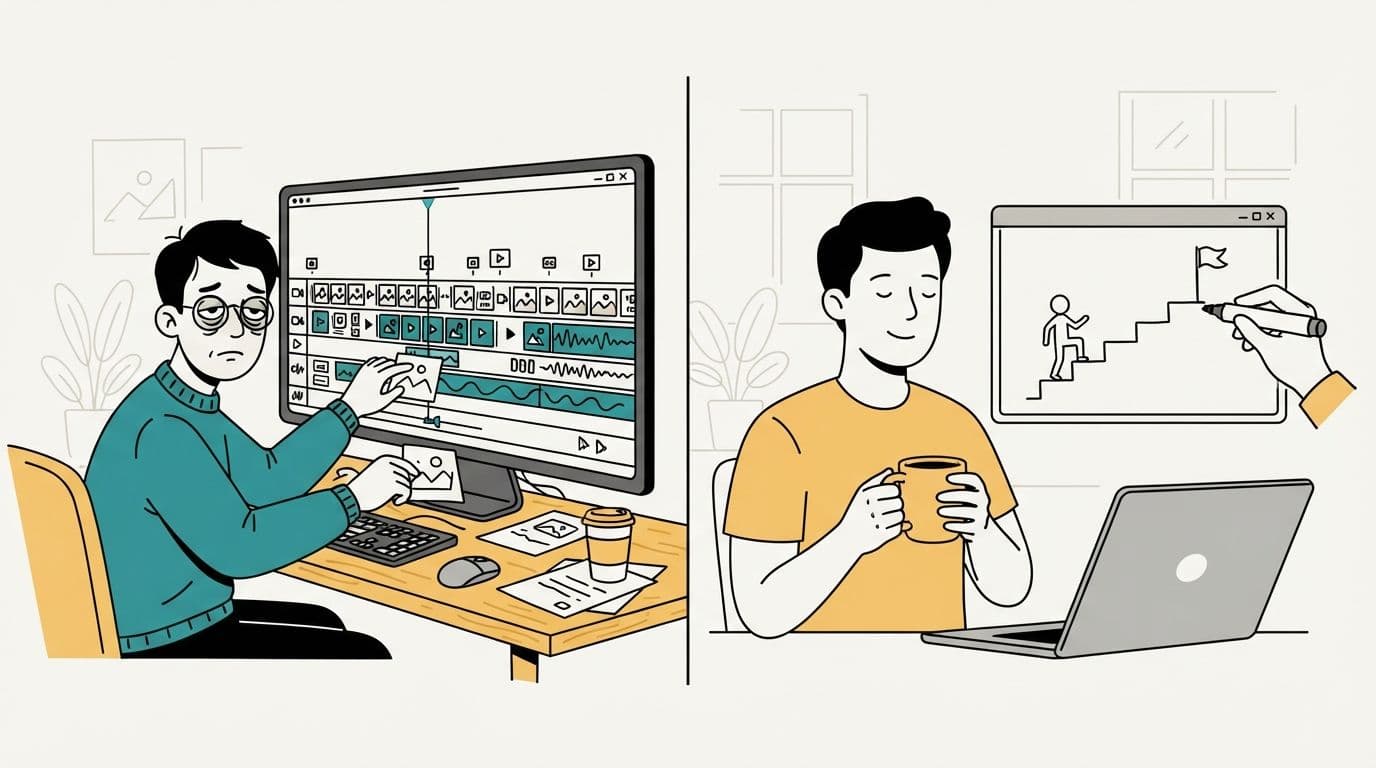
A generator starts from a topic or a script and hands back a finished video. ShortsCrafter and Golpo work this way. You choose the style and the voice, then fix what you don’t like: redraw a scene, rewrite a line, change the voice. You give up exact placement. Nobody drags a coin two centimeters to the left. What you get back is time, and drawings that aren’t limited to what’s in a stock library.
Library drawings are the reason so many editor-made videos look alike. The same lightbulb, businessman and pie chart turn up again and again, because everyone picks from the same library. A generator draws each scene for its sentence, so the picture shows what the narrator is talking about.
The tools, one by one
ShortsCrafter: best for good-looking videos without drawing
ShortsCrafter turns a topic or your own script into a narrated whiteboard video. It splits the script into one scene per sentence, draws an illustration for each scene, records the voiceover, and times every drawing to its sentence. Generation takes 2 to 4 minutes on average.
The drawings are where it differs from the editors. They’re full illustrations, with characters who have expressions and a place to stand in, made for each sentence instead of pulled from a clip-art library. There are four styles: minimalistic (a few clean lines and an icon), regular (detailed black-line scenes with a touch of color), colored (fully painted, hand-drawn scenes) and stick figure. A fifth option, mixed, lets the AI pick regular or minimalistic scene by scene. You can see what finished videos look like in the whiteboard video gallery.
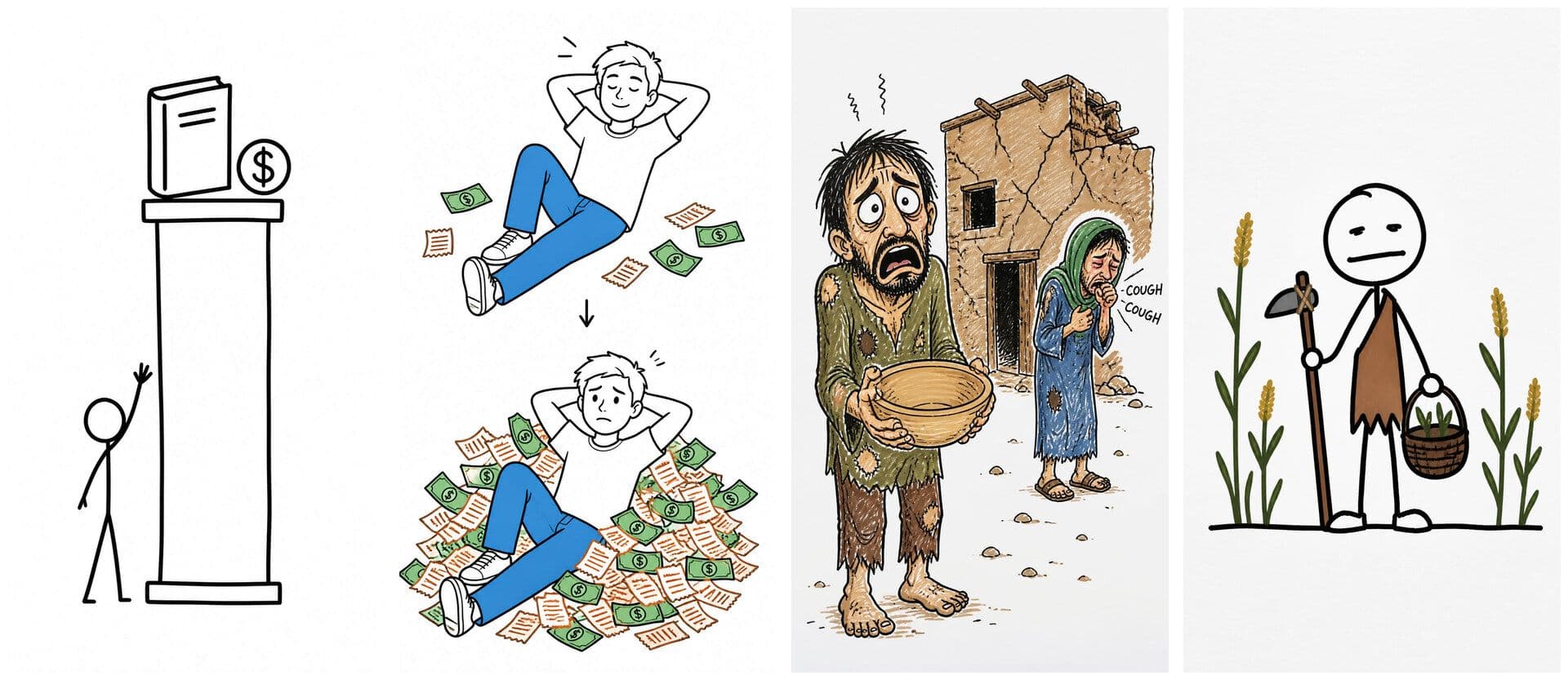
Videos come in vertical 9:16 (30 to 60 or 60 to 90 seconds) for TikTok, Shorts and Reels, or horizontal 16:9 from 1 to 2 minutes up to 8 to 10 minutes. You pick a voice from the library or clone your own, add background music and choose the drawing hand. After it’s generated, you can redraw any scene, add or delete scenes, and regenerate the voiceover, then render. Connect TikTok and YouTube and it posts on the date and time you set.
Every plan includes the four styles, voice cloning, background music, video download and auto-posting, with no watermark. Plans are monthly or yearly subscriptions that come with credits; the pricing table lists each one.
The trade-off is control: you can’t place drawings by hand or put your company’s own illustrations into every frame.
VideoScribe: best for full manual control
VideoScribe is the classic whiteboard editor. You put images on a canvas, choose a pen or a hand, and set how long each one takes to draw. Videos export in 1080p, in landscape, portrait or square. Recent plans add AI tools for images, scripts and voiceovers.
The plans cap how much you can export. Lite is $150 a year in the US with 5 downloads a month and videos up to 5 minutes. Core raises that to 30 downloads and 10 minutes, and Max to unlimited downloads and 20 minutes. The 7-day free trial allows 3 downloads, all watermarked. Pick VideoScribe if you want to design every scene and don’t mind the hours that takes.
Doodly: best desktop app with characters
Doodly is a desktop app for Windows and Mac. You build scenes from its library of characters and props, or upload your own images, then record a voiceover in the app or import one. It exports from 480p to 1080p. It costs $49 a month, comes bundled with the Voomly Cloud tools (including Talkia for generated voiceovers), and has a 14-day free trial and a 30-day refund window.
It suits marketers who like story-style scenes with recurring characters and want to work offline from a library. Like VideoScribe, every scene is yours to build.
Golpo AI: best for documents and long explainers
Golpo is the closest competitor to ShortsCrafter: an AI generator that makes a whole whiteboard video for you. Its strength is input. It takes a prompt, a script, a document or PDF, or an audio recording, and it supports more than 45 languages. Larger plans run up to 10 minutes and include an API.
Its weak spot is what the cheaper plans leave out. Starter ($39.99 a month, videos up to 2 minutes) and Creator ($99.99 a month) are black and white only. Color starts at Growth, $199.99 a month. Vertical video starts at Creator, and voice cloning at Business, $499.99 a month. The free preview is one 1-minute watermarked video that you can’t download.
If you need colored scenes, a cloned voice or vertical shorts, ShortsCrafter includes all three on every plan. If your source material is a stack of PDFs and you want 10-minute explainers in several languages, Golpo is built for that.
Powtoon: best free plan to try the format
Powtoon is a browser editor built on templates and characters. Whiteboard is one of its styles. The free plan exports up to 3 minutes at 720p with a Powtoon watermark and no MP4 download. Lite costs $15 a month billed yearly and removes the watermark on 5 exports a month, at 1080p. Its AI features (script drafting, generated images, text to speech) run on credits.
It’s a good fit if your team makes mixed animation styles and whiteboard is only some of the work.
Vyond: best for corporate training
Vyond is a full animation suite for business, with characters, lip sync and a whiteboard style inside its animated mode. It exports in 16:9, 9:16 and 1:1 at 1080p. Starter is $99 a month or $699 a year for one user. Voice cloning only comes on the Enterprise and Agency plans.
Choose it when you need one platform for training videos and internal communication, and the whiteboard look is optional. For whiteboard alone, it’s the most expensive tool on this list.
Animaker: best cheap all-rounder
Animaker is a drag-and-drop animation editor with templates, characters and a whiteboard mode. The free plan has watermarked exports. Basic costs $27 a month, or $180 a year, with 5 premium downloads a month in HD and videos up to 5 minutes. Higher plans allow longer videos at a higher resolution.
It’s a fair choice for solo creators who want one cheap editor for several animation styles. Its whiteboard mode is one feature among many.
How to choose
- You publish on a schedule (a faceless channel, weekly lessons, product explainers) and want each video to look good without building it: ShortsCrafter.
- Your source is long documents and you need 10-minute videos in several languages: Golpo, on a plan high enough for color.
- You want to place and time every drawing yourself: VideoScribe.
- You want a desktop app and recurring characters: Doodly.
- You only want to see whether the format suits you: Powtoon’s free plan.
- You’re a training team that needs characters in several styles: Vyond.
The step-by-step process behind each approach, including the numbers for scripts and scenes, is in our guide to how to make a whiteboard animation.
Test before you pay
To see how ShortsCrafter draws, try its whiteboard animation maker: describe a picture or upload one, and a hand draws it on the board in a 5 to 25 second clip. Most of the other tools have a trial, a free plan or a refund window. Whichever two you shortlist, run the same test:
- Use one real script of about 300 words, which is 2 minutes of narration, and the same voice and length in each tool.
- Time the hands-on work, not the rendering.
- Change one sentence after the video is done. In an editor, that means redrawing the scene and shifting everything after it. In a generator, it means redrawing one scene. This step tells you more than the first video does.
- Export in the format you’ll actually post. If that’s 9:16 for Shorts, check the drawings still fill the screen.
- Open the downloaded file and look for watermarks, the resolution and the download count left on your plan.
FAQ
What is the best whiteboard animation software for beginners?
A generator, because there’s no timeline to learn. ShortsCrafter makes a full video from a topic in a few minutes. Among editors, VideoScribe and Powtoon are the easiest to start with.
Is there free whiteboard animation software?
Powtoon and Animaker have free plans, both with watermarks; Powtoon’s free exports are 720p and up to 3 minutes. VideoScribe has a 7-day trial with 3 watermarked downloads, Doodly a 14-day trial, and Golpo one preview video you can’t download. To try ShortsCrafter’s drawing for free, use its whiteboard animation maker: it draws any picture you describe or upload as a short clip.
Is VideoScribe better than Doodly?
For most people, yes. VideoScribe runs in more formats (landscape, portrait and square) and its cheapest plan costs less per year. Doodly is better if you want its character library and a desktop app.
Can AI make whiteboard animations?
Yes. ShortsCrafter and Golpo write the script (or use yours), draw each scene, add the voiceover and time the drawing to the voice. You edit the result scene by scene instead of building it.
What’s the best whiteboard animation software for TikTok and YouTube Shorts?
ShortsCrafter. It makes 30 to 90 second vertical videos on every plan and can post them to TikTok and YouTube on a schedule. Golpo makes vertical video from its Creator plan, and VideoScribe and Vyond can export portrait, but you build each scene yourself.