Whiteboard Animation for YouTube: Niches, Lengths and Monetization


Whiteboard animation is one of the few faceless formats that has worked for more than fifteen years on YouTube. A hand draws each idea while a narrator explains it, and viewers keep watching to see what the drawing turns into. This guide covers the niches that suit it, how long your videos and Shorts should run, what YouTube’s monetization rules say about AI-made videos, and how to produce a channel’s worth of videos with ShortsCrafter without drawing anything yourself.
Create a whiteboard video in minutes
Turn any idea into a hand-drawn whiteboard animation with script, voiceover and drawing done for you.
Key takeaways
- Whiteboard works for ideas you can sketch: book summaries, money, psychology, science and “how does this work” topics. Skip it for news and product reviews, where viewers want to see the real thing.
- Make long-form 16:9 videos the core of the channel. At 8 minutes or more you can turn on mid-roll ads, and an 8 to 10 minute whiteboard video needs a 1,250 to 1,500 word script.
- Use vertical Shorts as trailers for the long videos. Watch hours from the Shorts feed don’t count toward the 4,000 hours you need for the YouTube Partner Program.
- AI-made whiteboard videos can be monetized. YouTube refuses videos that look mass-produced from a template, so every script needs its own angle.
- Drawn, clearly unrealistic animation doesn’t need YouTube’s AI disclosure label, and neither does a clone of your own voice.
- Daily uploads are easy to automate, and generic daily uploads are what YouTube demonetizes. Start with one video a week.
Why whiteboard animation works on YouTube
One of the format’s first big YouTube hits came in 2010. The Royal Society of Arts hired the artist Andrew Park to turn lectures into drawn videos, and by October 2011 his 14-part RSA Animate series had passed 46 million views, according to the Guardian. Each 10-minute film took weeks to make. Park said he would listen to a lecture more than 50 times before he finished drawing it.
What made those videos work still applies. Only one thing moves on screen, the line being drawn, so the viewer’s eye follows the narration instead of wandering. Every new drawing is a small open question (what is this going to be?), and that keeps people watching through the slow parts of an explanation. And the creator never has to be on camera.
You can see the format in channels running today. Subscriber counts were checked in November 2026.
- Productivity Game (655K subscribers) summarizes books on performance and productivity. A visible hand draws colored illustrations next to the book’s cover.
- minutephysics (3.34 million) explains physics with simple marker drawings and stick figures on white.
- The Swedish Investor (1.02 million) mixes the two worlds: a drawn hand adds arrows and speech bubbles to photo cutouts of famous investors.
None of them hides behind fancy art. The drawings are simple; the scripts carry the videos.
Which niches suit a whiteboard channel
The test is whether you could explain the topic by sketching on a napkin. If the idea fits in a few arrows and stick figures, it fits the format. ShortsCrafter’s own topic generator follows the same rule: it looks for one clear idea per video that can be explained step by step, and it avoids stories with lots of characters.
Which niches suit a whiteboard channel
Some niches fight the format. News and reaction videos date too fast to be worth animating. Gaming, unboxing and product reviews need real footage, because the viewer wants to see the actual game or object. Drama and storytime channels can work, but a story with five recurring characters is hard to keep consistent across 40 drawn scenes, so most whiteboard channels stick to explainers.
Book summaries need one warning, covered under monetization below: a video that only reads out the book’s text doesn’t qualify for ads.
Long-form videos or Shorts?
Both, but they do different jobs. Long-form videos build the watch hours the Partner Program asks for and can carry several ads. Shorts get you discovered.
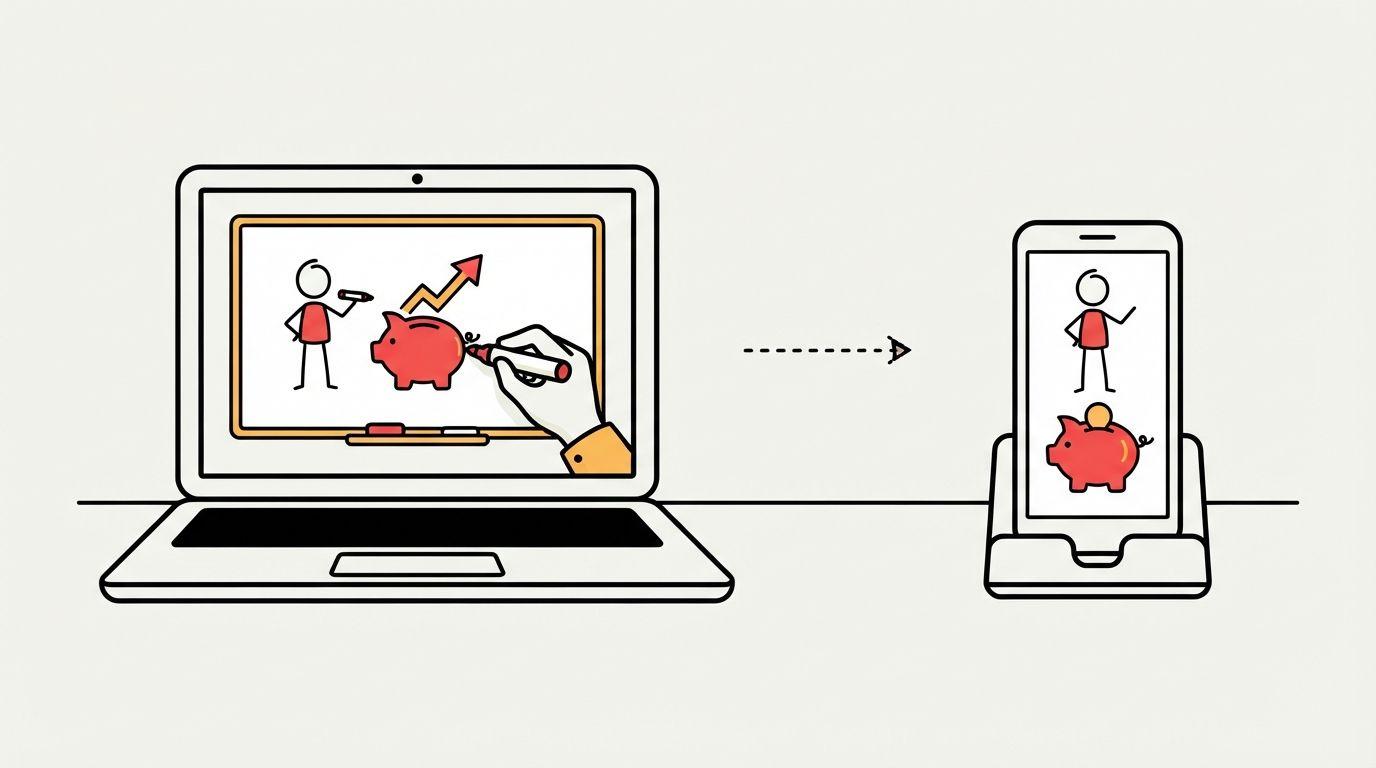
YouTube now allows Shorts up to 3 minutes long. The Partner Program has two ways in: 1,000 subscribers plus 4,000 watch hours in the last 12 months, or 1,000 subscribers plus 10 million Shorts views in 90 days. YouTube’s eligibility page is explicit that watch hours from the Shorts feed don’t count toward the 4,000. Ten million Shorts views is a lot for a new channel, so most whiteboard channels qualify through long-form watch time.
Length matters for revenue, too. On monetized videos 8 minutes or longer you can place mid-roll ads, so an 8 to 10 minute explainer earns from more than one ad break.
Video lengths and script word counts
These are the lengths ShortsCrafter makes, with the script length each one needs:
Video lengths and script word counts
A workable rhythm is one 8 to 10 minute video a week, plus two or three Shorts cut from its best points. Each Short ends by pointing to the full video. The script guide covers how to write the long version so it holds attention past the first minute.
What YouTube’s monetization rules mean for AI whiteboard videos
This is where most automated channels fail, so read YouTube’s channel monetization policies before you plan a schedule. Three parts matter for a whiteboard channel.
Inauthentic content
In July 2025 YouTube renamed its “repetitious content” rule to “inauthentic content”. Videos have to be your own work and must not be mass-produced, generic or repetitive. One example YouTube gives of what doesn’t qualify is “AI-generated content made with generic or unoriginal templates” that adds no original insight. Using AI as such is allowed: YouTube lists editing your scripts with AI as fine. A series is also fine as long as each video has its own storyline or focus. The risk is a channel where every video is the same five generic tips with a different title.
Reused content
Videos that only read out material you didn’t write, such as text from websites or a book, don’t qualify, and YouTube says this applies even with the author’s permission. A book summary channel has to add something: your explanation, your examples, where you think the author is wrong.
AI disclosure
YouTube asks creators to label realistic AI content, such as a real person saying something they didn’t say. Its own examples say non-realistic animation doesn’t need the label, and neither does AI help with a script or a clone of your own voice. A drawn whiteboard video sits clearly in the non-realistic group.
None of this stops a whiteboard channel. It does mean the script is the part you can’t hand off completely. Read each one, cut the generic lines, and add one thing only you would say.
How to make whiteboard animation for YouTube
By hand, a whiteboard video means drawing every scene, recording narration and syncing the two. Editors like VideoScribe and Doodly cut that down to arranging library images on a timeline, which still takes hours per video. ShortsCrafter generates the drawings, voiceover and timing from a topic or a script, and a video takes 2 to 4 minutes to generate on average.
- Start with a niche, a topic or your own script. Give it a niche and it suggests topics; give it a topic and it writes the script. Paste your own script if you want full control of what’s said.
- Pick 16:9 for a regular video or 9:16 for a Short, and choose the length from the table above.
- Choose the look. There are four styles: minimalistic, regular, colored and stick figure. Colored suits book summaries and finance; stick figure suits psychology and everyday-life topics. You can also pick the drawing hand.
- Choose the voice. Use a library voice, or clone your own so the channel sounds like one person across hundreds of videos. Narration comes in English, German, Polish, Spanish, Italian, French, Portuguese, Hindi and Turkish, which makes it practical to run the same channel idea in a second language.
- Fix what’s off in the preview. Redraw a scene, add or delete scenes, rewrite a line and regenerate its voiceover, and turn captions on.
- Publish. Download the MP4, or connect your YouTube channel and post from ShortsCrafter with your title, description, privacy setting and the made-for-kids flag.
For a regular schedule, set up a series. It writes and posts videos on its own, every day, twice a day, every 2 or 3 days, or once a week. Start with weekly, and watch each video after it posts. A channel that auto-posts a generic video every day is exactly what YouTube’s inauthentic content rule is written for.
If you want a drawn intro for a channel you already film, the free whiteboard animation maker turns one image or one sentence into a 5 to 25 second clip of a hand drawing it. Your first one is free. Plans are on the ShortsCrafter pricing table, as a monthly or yearly subscription or a one-time credit pack.
Thumbnails and titles for whiteboard videos
Your thumbnail shouldn’t look like a frame from the video. A white frame with thin black lines disappears in a grid of colorful thumbnails. The whiteboard channels above use the drawings as a style, then add strong color: a book cover, a bright background, two or three words in heavy type, and one drawn element such as an arrow or a stick figure reacting.
Titles work best as a question the video answers. ShortsCrafter’s title prompt pushes toward “why”, “how” and “what happens when” for this reason: “Why saving money feels so hard” tells the viewer exactly what they’ll get and makes them want the answer. Leave “complete guide” and “introduction to” for blog posts.
What to check after you publish
Two numbers in YouTube Analytics tell you whether a whiteboard video works. Average view duration is the average time people watched. The audience retention report shows which moments held viewers and where they left.
Look at the drops, not the averages. A sharp drop in the first 30 seconds means the opening didn’t promise enough; start with the question the title asked instead of a slow intro. A steady slide in the middle usually means one scene runs too long on one drawing. Shorten that part of the script and regenerate the scene. When a topic holds people well, make the next three videos on the same theme.
FAQ
Can a whiteboard animation YouTube channel be monetized?
Yes. It has to meet the Partner Program thresholds (1,000 subscribers plus 4,000 long-form watch hours in 12 months, or 10 million Shorts views in 90 days) and pass YouTube’s review. Videos made with AI qualify as long as each one is original and not a templated copy of the last.
Do I need to disclose AI on whiteboard animation videos?
Usually not. YouTube’s disclosure label is for realistic content that could mislead viewers. Drawn animation, AI help with the script, and a clone of your own voice don’t need it.
How long should a whiteboard animation video for YouTube be?
Aim for 8 to 10 minutes for main videos, which lets you use mid-roll ads, and 30 to 90 seconds for Shorts. An 8 to 10 minute video needs a script of about 1,250 to 1,500 words.
Can I use whiteboard animation for YouTube Shorts?
Yes. Make them vertical (9:16) and keep them under a minute and a half for a single idea. Shorts work best as short versions of your long videos, each pointing to the full one.
How long does it take to make a whiteboard animation for YouTube?
By hand, a 10-minute video can take weeks; the RSA Animate films did. With editor software it’s hours. With an AI generator like ShortsCrafter it takes 2 to 4 minutes to generate, plus the time you spend on the script and fixing scenes in the preview.