How to Write a Whiteboard Animation Script


People naturally pay attention when a hand starts drawing. Before the picture is finished, they’re already guessing what it will become, and they keep watching to find out. That pull is why whiteboard videos work so well for lessons, product explainers and faceless YouTube and TikTok channels: viewers stay for the next drawing, and the explanation comes along with it. The drawings only do that when the words behind them give the hand something clear to draw, and that’s the job of the whiteboard animation script. This guide covers what sets a whiteboard script apart from other video scripts, how to keep people watching, how long the script should be, a structure that works for most topics, and a full example with the drawing planned next to every line.
Create a whiteboard video in minutes
Turn any idea into a hand-drawn whiteboard animation with script, voiceover and drawing done for you.
Key takeaways
- In a whiteboard video, the voice and the drawing arrive together. Abstract lines get abstract drawings that are hard to connect to the words, so every sentence should point to something concrete.
- Viewers stay when something new appears on the board with every sentence and the video keeps one question open until near the end.
- Narration runs at about 150 to 160 words a minute, so a 2-minute video needs roughly 300 words.
- Write one idea per sentence and keep sentences between 6 and 18 words. Each one should be something you can sketch in a few seconds.
- A five-part structure covers most topics: hook, problem, simple explanation, key insight, takeaway.
- Plan the drawing in a second column as you write, and read the finished script aloud with a timer before anything gets drawn.
What makes a whiteboard script different
Most video scripts can lean on something other than the words. A talking-head video has a face, with expression and timing. A faceless video can cut to stock footage or a new clip when a line runs long. A slide deck can put the sentence on screen and let people read it.
A whiteboard video has a hand and an empty board. Whatever the narrator says, the hand has to draw at the same moment, and the viewer watches the picture build line by line. That changes the writing in four ways:
- Every sentence gets a picture, so it should suggest a good one. A line that sounds fine in a blog post (“communication drives team performance”) still gets drawn, but as something vague: a few arrows, two figures with speech bubbles. The viewer has to work out how it connects to what they just heard. Concrete lines get drawings that explain themselves.
- The pace is set by the drawing. The hand needs a few seconds to draw a clock or a ladder. A sentence that’s over in two seconds cuts the drawing off; one that runs 30 words leaves a finished picture sitting still.
- The board keeps what’s been said. Earlier drawings stay visible (or come back on the next board), so you don’t need to repeat yourself, and a recurring object can carry the whole video.
- The viewer is waiting to see what the drawing becomes. A few half-drawn lines that turn into something make people watch the next second. Your script decides what that something is.
So a good whiteboard script reads a little like a list of pictures with a voice running through them. If you can’t picture the board for a line, the drawing will be a guess.
How to keep viewers watching
A whiteboard video holds attention while the board keeps changing in a way that makes sense. The script has to give it something to change into.
Start with the viewer’s problem, in the first sentence. “Ever notice the biggest task on your list is the one you avoid?” works because the viewer answers it in their head. “Today we’re going to talk about procrastination” gives them nothing to answer. Save the company, the brand and the topic name for later.
Put something new on the board with every sentence. At 150 words a minute, a 12-word sentence lasts about five seconds, which is about how long a simple drawing takes. If three sentences in a row explain the same picture, the board stops moving and so does the viewer’s attention.
Open a question early and answer it late. “There’s one reason big tasks feel impossible, and it isn’t laziness” makes the viewer wait for the reason. Give it in the middle, not the last line, and spend the rest showing what to do with it.
Give the viewer one thing to follow. A stick figure, a coin or a stone block that appears in the second sentence and changes as the video goes on works as a thread. People keep watching to see what happens to it.
Talk to one person. “You” and “your” keep it personal, and a concrete situation (“you open your phone instead of the report”) beats a general one (“people tend to procrastinate”).
End on the insight or the action, then stop. Viewers who reach the takeaway don’t need a summary, and the board already shows everything you said.
How long a whiteboard animation script should be
Length decides how many ideas fit, so pick it before you write. Most narrators read at 150 to 160 words a minute (b2w.tv). At 150, these are the word counts for common lengths:
How long a whiteboard animation script should be
Treat these as a ceiling. Whiteboard narration needs small pauses for drawings to finish, so a short that has to land under a minute works better at 110 to 130 words than at 150.
A 60-second short holds one idea and one takeaway. Anything with three or four steps needs the horizontal format and at least two minutes, or it turns into a list read too fast to follow.
Start with the one thing the viewer should remember
Before the first line, finish this sentence: “After watching, the viewer will know ___.” Keep it to one thing. “Why big tasks feel impossible to start, and how to start anyway” is a whiteboard video. “Everything about productivity” is a course.
Then decide who’s watching and what they already know. A video for new employees can’t use the internal acronym; a video for engineers can skip the definition of an API. Every term the viewer doesn’t know needs its own sentence and its own drawing, which costs you about five seconds each.
If the video is for a business, decide on the single action you want at the end (book a demo, try the app, read the policy). One. A script that ends with three calls to action gets none of them.
A structure that works for most topics
Most guides that rank for this topic recommend some version of this:
- A hook of one or two sentences. Name the problem or ask the question the viewer already has.
- The problem, shown in a way the viewer recognizes from their own life.
- A simple explanation of the mechanism behind it, built from everyday objects: a scale, a ladder, a clock, a stack of coins.
- The key insight, which is the one sentence the video exists for.
- The takeaway: what to do with it, or the call to action for a business video.
The proportions shift with length. In a 60-second short, the hook and problem take two or three sentences together, and the insight and takeaway can share one. In a 4-minute explainer, the explanation grows into several steps, and each step gets its own small loop of claim, example, drawing.
Leave out “in conclusion” and any recap of what the viewer just watched. On a whiteboard, the recap is the full board they can already see.
Write sentences you can draw
Read each sentence and ask what the hand will draw while it plays. If the answer is a symbol that could fit any video (a lightbulb, an arrow, a gear), rewrite it.
Abstract nouns are the usual problem. “Growth”, “efficiency” and “communication” have no shape of their own, so they end up as arrows and icons. Swap them for the concrete thing they stand for:
Write sentences you can draw
A few rules keep the drawing and the voice in step:
- One idea per sentence. A sentence with two ideas needs two drawings, and the second one shows up late.
- Keep sentences between 6 and 18 words. Shorter lines flash by before the drawing finishes. Longer ones leave a finished drawing on screen with nothing new happening.
- Use the same object for the same idea every time. If money is a coin in scene two, it’s a coin in scene nine too.
- Don’t make the narration describe the picture. “Here we see a ladder” wastes a sentence. Let the voice say what the ladder means.
- Let numbers do work. “One push-up a day is 365 a year” draws better than “small habits add up”, because the number itself can go on the board.
Adobe’s whiteboard guide puts the pacing simply: plan about one illustration per sentence (Adobe). Three drawings crammed into one sentence overload the viewer. One drawing for a whole paragraph leaves them waiting.
Put the drawing next to every line
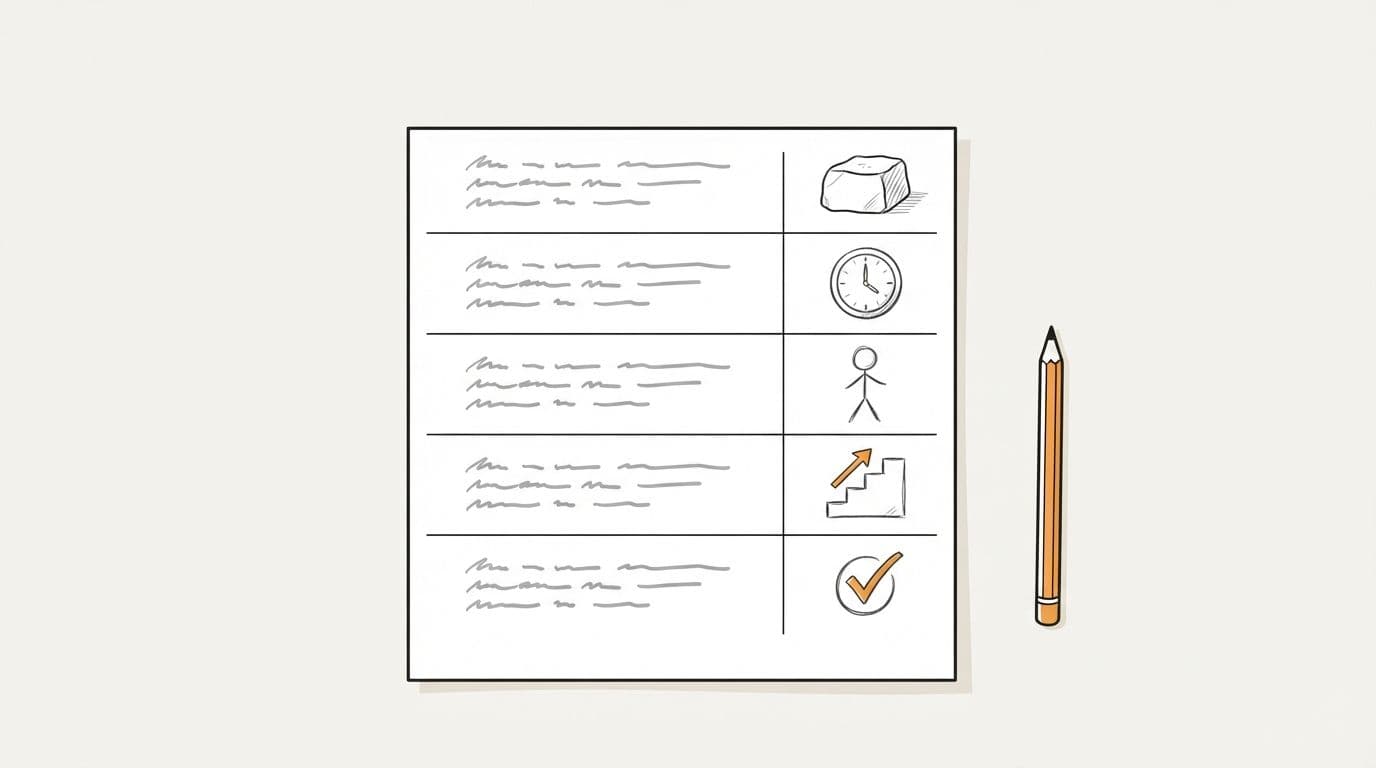
Write the script in two columns: narration on one side, the drawing on the other. You don’t need to design the drawing, only name it. “A stone block” or “a clock with ten minutes marked” is enough for an illustrator, for whiteboard software, or for you a week later.
Filling in the second column as you go is the fastest drawability check there is. When you get to a line and can’t name a specific picture, you’ve found the sentence to rewrite. Doing it later, after the voiceover is recorded, means re-recording.
Example whiteboard animation script
Here’s a full script for a vertical video under a minute, written to the rules above. It’s 127 words, and every line has its drawing.
Example whiteboard animation script
The hook is a question the viewer has asked themselves. Lines 2 and 3 are the problem, 4 to 6 the explanation, 7 to 9 the insight (starting is the hard part, so make starting easy), and 10 to 12 the takeaway. The block appears in line 2 and stays the same block until the end, so the viewer always knows what they’re looking at, and every line changes the board.
Read it aloud before anything gets drawn
Read the script out loud with a timer, at the pace you’d want the narrator to use. You’ll hear what reading on the page hides: the sentence you run out of breath on, the word you trip over, the line that sounds like a press release. Rewrite those on the page, then read it again.
Then cut. If the script runs long, remove whole sentences instead of trimming words from each one; every sentence you drop is a drawing you don’t have to make. Check the count against the table above. A short that comes in at 160 words will feel rushed at 60 seconds, however fast the narrator speaks.
Last, show it to someone who doesn’t know the topic and ask them to say the main point back to you. If they can’t, the key insight is buried or missing.
Common whiteboard script mistakes
- Opening with the company. Viewers care about their problem first. Introduce the product as the answer to it, around the middle.
- Writing for the eye. Parentheses, semicolons and long lists read fine and sound terrible. Write for the ear.
- Stacking metaphors. If a career is a ladder in one line, it can’t be a river in the next.
- Putting the narration on the board. One word or one number on the board is plenty.
- Skipping the timer. A script that “feels about a minute” is usually a minute and a half.
- Treating the script as final before it’s recorded. Storyboarding often shows a line that doesn’t work. Fix it then, while it’s still cheap.
Turn your script into a whiteboard video
Once the script is done, the rest is drawing, recording and timing every drawing to its line. The step-by-step guide to making a whiteboard animation covers doing that by hand.
ShortsCrafter does those steps for you. Paste the script, then pick the format, length, art style, voice and music. A pasted script needs at least 300 characters. The maximum depends on the length you pick: 1,000 characters for a 30 to 60 second vertical video, 1,800 for 60 to 90 seconds, and up to 11,000 for an 8 to 10 minute horizontal one. ShortsCrafter cuts the script into scenes of about 20 words for vertical videos (24 for horizontal), always at the end of a sentence. Each scene is drawn by an animated hand, and the drawings are timed to the narration. The example script above would come out as about six scenes. You can redraw any scene, add or delete scenes, or regenerate the voiceover before you render.
If you’d rather not write the script at all, type a topic or pick a niche. ShortsCrafter writes one sized to the length you chose, using the same structure as this guide: a hook, the problem, a simple explanation, the insight and a takeaway, in sentences of 6 to 18 words that each carry one drawable idea. For a 30 to 60 second short it aims for 110 to 130 words; for a 1 to 2 minute horizontal video, 250 to 350. You can see finished videos in the whiteboard video gallery.
FAQ
How many words is a 1-minute whiteboard animation script?
About 150 at a normal narration pace. For a short that has to stay under a minute, 110 to 130 words leaves room for the drawings to finish. Read it aloud with a timer to check.
How many words is a 2-minute whiteboard script?
About 300 words. Adjust after a timed read.
What format should a whiteboard animation script use?
Two columns, narration and drawing, one row per sentence. Some teams add a third column for timing or scene names on longer videos.
Should I write the script before the storyboard?
Yes. Write the script with the drawing column filled in, read it aloud, then storyboard. Expect a few line changes once you see the frames.
How many drawings does a whiteboard script need?
Plan about one per sentence. The 127-word example above has 12 sentences, so 12 drawings.
Can AI write a whiteboard animation script?
Yes. ShortsCrafter writes one from a topic, sized to the length you pick, with one drawable idea per sentence. You can also paste your own script and keep every word.
What does it cost to turn a script into a whiteboard video?
By hand, it’s whiteboard software or a camera, a microphone and your time, or a freelancer’s fee. ShortsCrafter is a monthly or yearly subscription with credits, and each video uses some of them. The pricing table lists each plan.