Whiteboard Animation Script Template (Free, With a Filled Example)


This whiteboard animation script template is the one to copy when you already know your topic and want the blanks in front of you. It has two parts. The first is a short planning sheet you fill in before writing. The second is a five-section script table with sentence starters for the narration, a column for the drawing, and a word budget for each section at two lengths (a 60-second short and a 2-minute video). Below the template is a filled example, a 254-word script about saving early, with every line and its drawing written out.
If you want the reasoning behind the rules (why one idea per sentence, why abstract nouns draw badly), the guide on how to write a whiteboard animation script covers it. This page is the worksheet.
Create a whiteboard video in minutes
Turn any idea into a hand-drawn whiteboard animation with script, voiceover and drawing done for you.
Key takeaways
- Fill in the planning sheet first. The most important field is the one sentence the viewer should remember, because the key insight section is that sentence said out loud.
- The script has five sections: hook, problem, explanation, key insight and takeaway. The explanation gets the most words, 40 to 50% of the script.
- A 60-second short needs about 110 to 130 words in total; a 2-minute video about 250 to 300.
- Every narration line gets its own drawing in the second column. A line you can’t name a drawing for is the line to rewrite.
- Pick one recurring object (a jar, a snowball, a stone block) in the planning sheet and keep it on the board from the problem section to the end.
Before you write: the planning sheet
Five minutes here saves rewriting later. The right-hand column shows how the example script further down was planned.
Before you write: the planning sheet
The “one thing to remember” field does most of the work. If you can’t fill it with a single sentence, the video is trying to cover two topics. Split it into two videos now; after the voiceover is recorded, that costs a lot more.
The whiteboard animation script template
Copy this table into a doc or spreadsheet. Write your narration in the third column, replacing the sentence starters, and name a drawing for every sentence in the fourth. The word ranges are guides; the totals matter more than any one section.
The whiteboard animation script template
Once the sections are written, split them into a line-by-line sheet with four columns: line number, section, narration (one sentence per row) and drawing. That’s the version an illustrator or a whiteboard tool works from, and it’s the format of the example below.
How to fill in each section
Hook
Write the hook last. Once the insight is written you know what the video pays off, and the hook can promise exactly that. The strongest hooks state a result that sounds wrong (“the one who saves less ends up richer”) or ask a question the viewer has already asked themselves. Leave the brand, the topic name and any greeting out of it.
Problem
Describe what the viewer does now, in their terms, and put a cost on it. This is where the recurring object from your planning sheet should first appear, because the viewer will follow it for the rest of the video. Two to four sentences is enough; a long problem section reads as a lecture.
Explanation
This section carries the video, so it gets the biggest budget. Use the sentence starters as a pattern: compare the idea to an everyday object, show one cause and its effect, then run a real example with numbers. For a 2-minute video, break the explanation into two or three small steps and give each one its own drawing sequence. Numbers belong here, because a number written on the board is something the hand can draw and the viewer can remember.
Key insight
Copy the sentence from the “one thing to remember” field and adjust it to sound spoken. Draw the recurring object in its final state. If the explanation worked, the viewer sees the insight on the board a second before they hear it.
Takeaway
One action, phrased for the situation where the viewer will need it (“next time a task feels too big…”). For a business explainer, this row is the call to action: one website, one button, one step. Then stop. No summary, no “thanks for watching”; the finished board already shows everything.
Filled example: a 2-minute whiteboard animation script
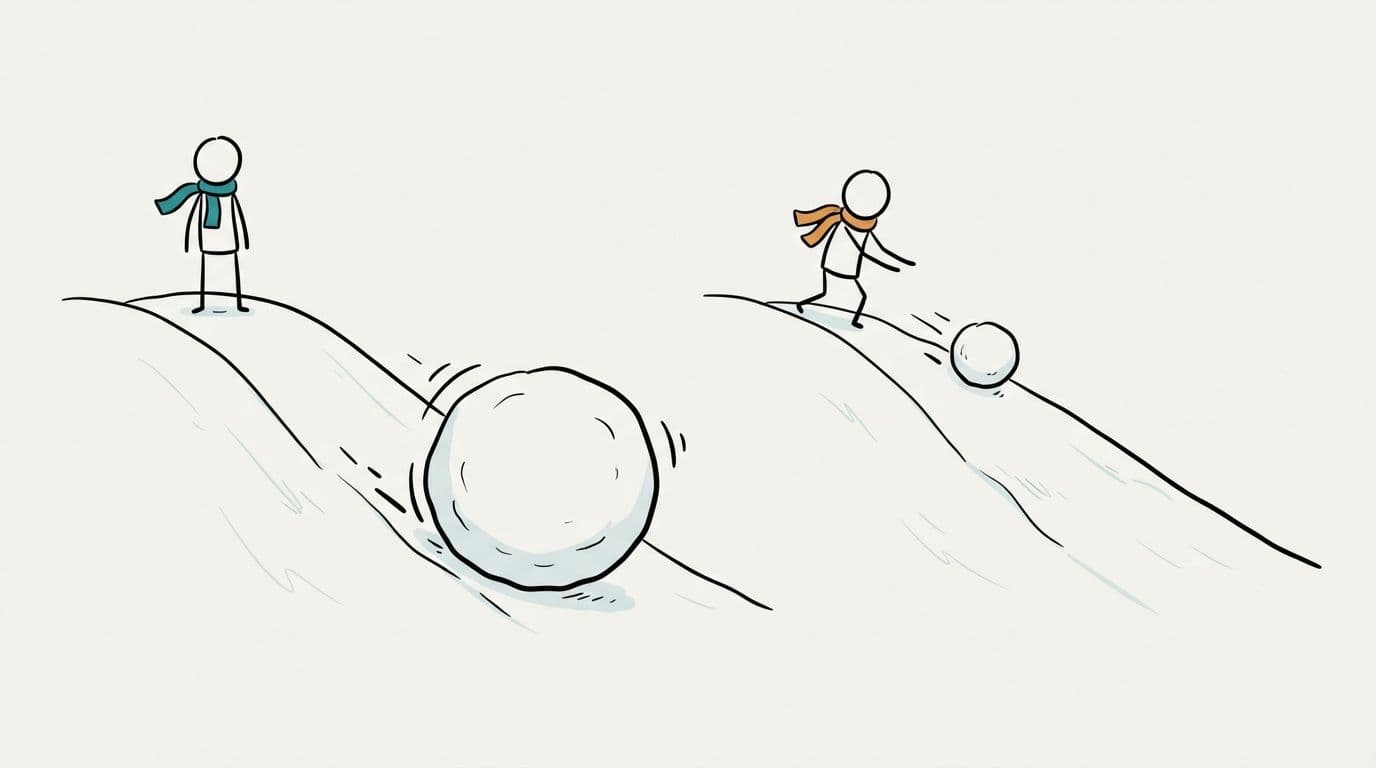
Here’s the template filled in for a horizontal video about why saving early matters. It’s 254 words in 23 sentences, which reads in about 1 minute 45 seconds at 150 words a minute. The jar from the planning sheet is on the board from line 1, and in line 13 it becomes the snowball that carries the rest of the video.
Filled example: a 2-minute whiteboard animation script
The numbers assume monthly saving with 7% yearly growth, compounded monthly. Anna’s $24,000 grows to about $34,800 by 35 and to about $283,000 by 65 without another deposit; Ben’s $72,000 reaches about $245,000. If your video uses numbers like these, run them yourself before recording, since a wrong figure on the board stays on screen for several seconds.
Look at how the sections fill the budget: the hook is 28 words, the problem 39, the explanation 130, the insight 39 and the takeaway 28. The explanation is half the script because it’s the part the viewer can’t get from the title. Two objects come back on purpose: the scale from line 3 returns in line 19 with the answer, and the calendar from line 5 returns in line 21.
Adjusting the template for other lengths
The five sections stay the same at every length. What changes is how many sentences the explanation gets and whether the hook and problem share a sentence. Narration runs about 150 to 160 words a minute (b2w.tv), and whiteboard videos need pauses for drawings to finish, so these totals sit a little under that pace.
Adjusting the template for other lengths
A product explainer uses the same five rows with different content. The problem is the customer’s problem, the explanation is how the product handles it in two or three steps, the insight is the one difference from what the customer does now, and the takeaway is the call to action. Bring the product name in at the start of the explanation, not in the hook.
Check the filled template before anything gets drawn
- Read it aloud with a timer. If it runs long, cut whole sentences. Every sentence you remove is one less drawing to make.
- Count the words against your planning sheet’s budget.
- Read the drawing column on its own. It should tell a rough version of the story without the narration.
- Find every row where the drawing is only an arrow or a lightbulb. Those could sit in any video, so rewrite the narration on that row until it suggests something specific.
- Check that the recurring object appears in the problem section and again in the insight.
- Ask someone who doesn’t know the topic to say the main point back to you. It should match your “one thing to remember” field.
Turn the filled template into a whiteboard video
From here, the classic route is drawing every row, recording the voiceover and timing each drawing to its line; the guide on how to make a whiteboard animation walks through it.
With ShortsCrafter you paste the narration column (only the narration) and pick the format, length, art style, voice and music. A pasted script needs at least 300 characters. The maximum depends on the length: 1,000 characters for a 30 to 60 second vertical video, 2,400 for a 1 to 2 minute horizontal one, up to 11,000 for 8 to 10 minutes. ShortsCrafter splits the script into scenes of about 20 words for vertical videos and 24 for horizontal ones, always at the end of a sentence. An animated hand draws each scene in time with the narration. The 254-word example above comes out as about ten scenes. Before rendering, you can redraw a scene, add or delete scenes, or regenerate the voiceover.
You can also skip the template and type a topic. ShortsCrafter then writes the script using the same five sections, in sentences of 6 to 18 words, aiming for 110 to 130 words for a 30 to 60 second short and 250 to 350 for a 1 to 2 minute video. Finished examples are in the whiteboard video gallery.
FAQ
Is there a free whiteboard animation script template?
Yes, the template on this page is free to copy. Paste the planning sheet and the five-section table into Google Docs, Word or a spreadsheet and fill in the brackets.
What columns should a whiteboard script template have?
At minimum, narration and drawing. A line number and a section column help on anything longer than a minute, and some teams add a timing column once the voiceover is recorded.
How many words go in each section of a whiteboard script?
For a 2-minute video of about 300 words: roughly 20 to 30 for the hook, 30 to 50 for the problem, 110 to 150 for the explanation, 20 to 40 for the key insight and 25 to 45 for the takeaway. A 60-second short uses about 120 words with the same proportions.
Can I use this template for a 60-second YouTube Short or TikTok?
Yes. Use the 60 s column in the word budgets, keep the explanation to one example, and let the insight and takeaway share a sentence or two. Aim for 110 to 130 words.
Does the template work for a product explainer?
Yes. Keep the five sections, describe the customer’s problem in the problem row, show how the product handles it in the explanation, and end with one call to action.
Should I fill in the drawing column myself?
Yes, even if someone else draws. Naming a picture for each line is the quickest way to find sentences that are too abstract to draw, and it gives the illustrator a starting point.